
Launch video
You're shipping and you want something to show on the day.
Promoeyes makes 3D promo videos for your app. One film, and both of you can work on it.
Your AI assistant Recommended
Make it from the chat you already use. Add this address once, then just ask.
https://promoais.com/mcpSign in with OAuth, no API key.
How to connect ↓Two ways in. You don't have to choose for good.
Dashboard on a laptop with an orbit shot, ending on the logo
 Player card
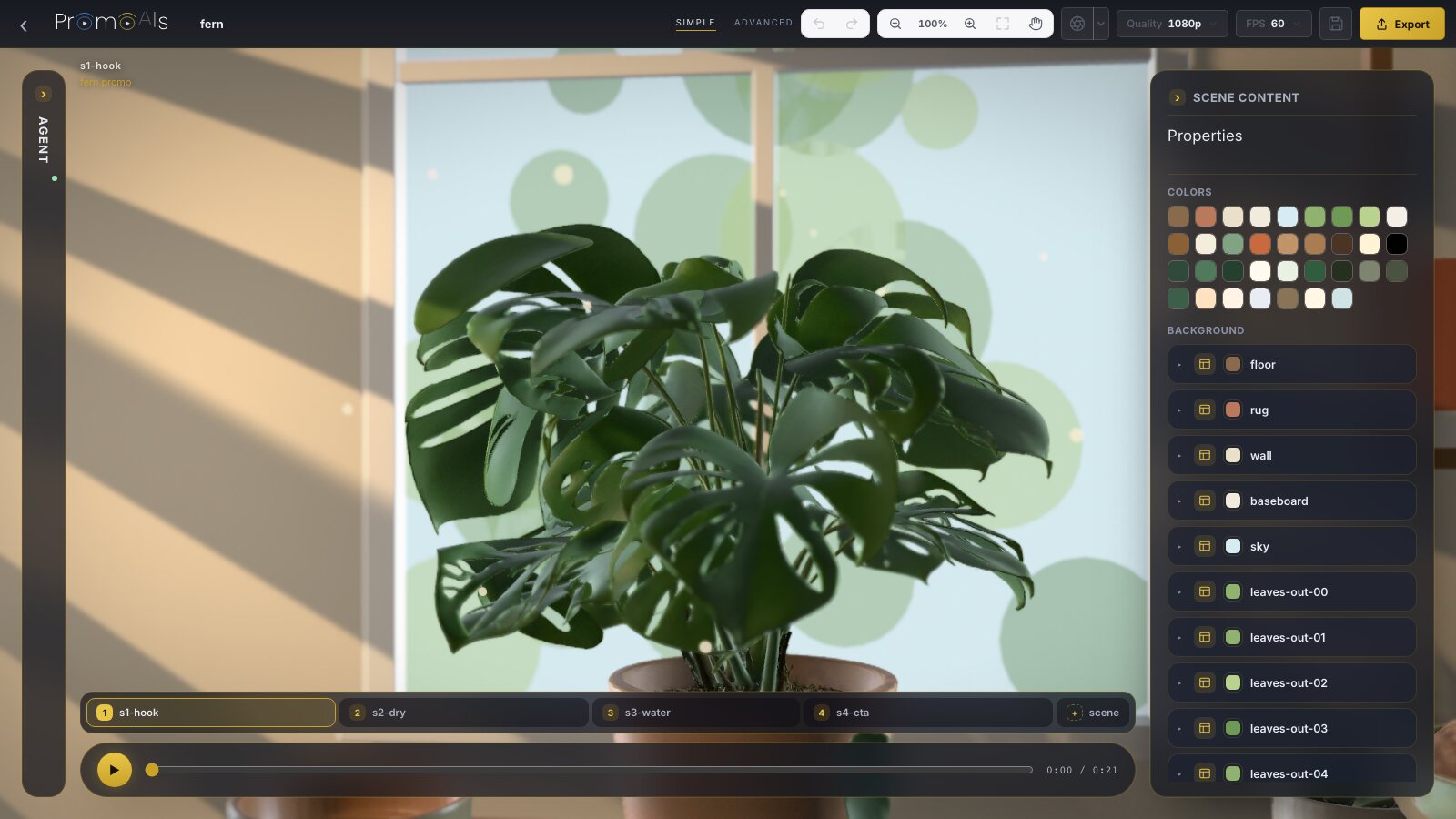 Studio card
Your AI assistant
Add this address to your assistant and sign in with OAuth. There's no API key.
https://promoais.com/mcpFor developers: it's an MCP server over HTTP. Your assistant can call tools such as write_story, make_voiceover, make_music, edit_promo, show_studio and finish_promo.
Run this in your terminal, then sign in when it asks.
claude mcp add --transport http promoeyes https://promoais.com/mcp
Add this to .cursor/mcp.json.
{ "mcpServers": { "promoeyes": { "url": "https://promoais.com/mcp" } } }Open your assistant's connector settings, add a custom connector and paste the address.
https://promoais.com/mcpOpen your assistant's connector settings, add a custom connector and paste the address.
https://promoais.com/mcpAny MCP client over HTTP can connect. Give it the address and sign in with OAuth.
https://promoais.com/mcpOn this site
Your website
Read from your site, for your film's intro and outro.
Read from your site, so the film looks like yours.
Read from your site, so the film starts from what's already there.
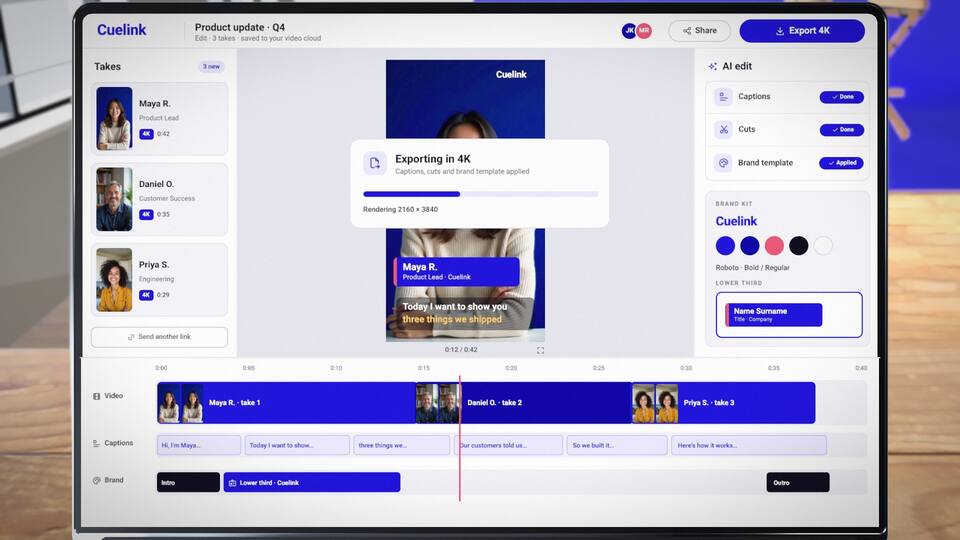
A website or HTML can become an editable 3D screen, so what's on the device is yours and can still be changed.
How it works
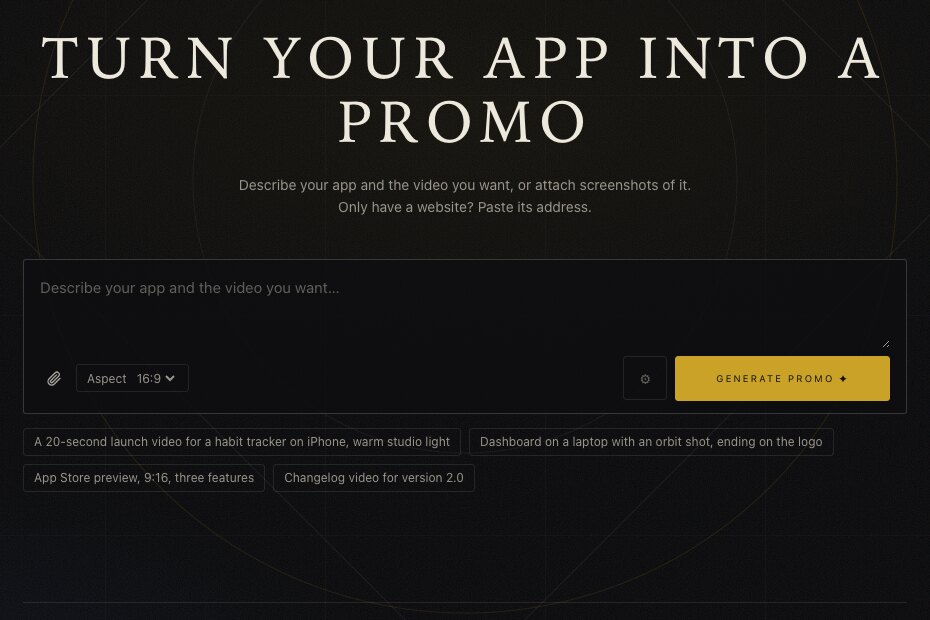
A sentence is enough. Do it in your assistant or on this site, and add screenshots or your website.
Story, 3D scenes, voice-over and music. On the website, you watch its progress live.
Open it in the studio and change it by hand, or ask your assistant to edit the same promo.
Render a video file with the Export button on the player. It's yours to post.
This is the whole editor, open on a real film. Nothing to install, and you don't have to sign in to try it. Pick any film below and it opens here.
Loading the editor
Export and keeping your work ask you to sign in. Saving makes your own copy of the film.
AI edits come from your assistant, on the same promo: ask for a change there, and open it here.
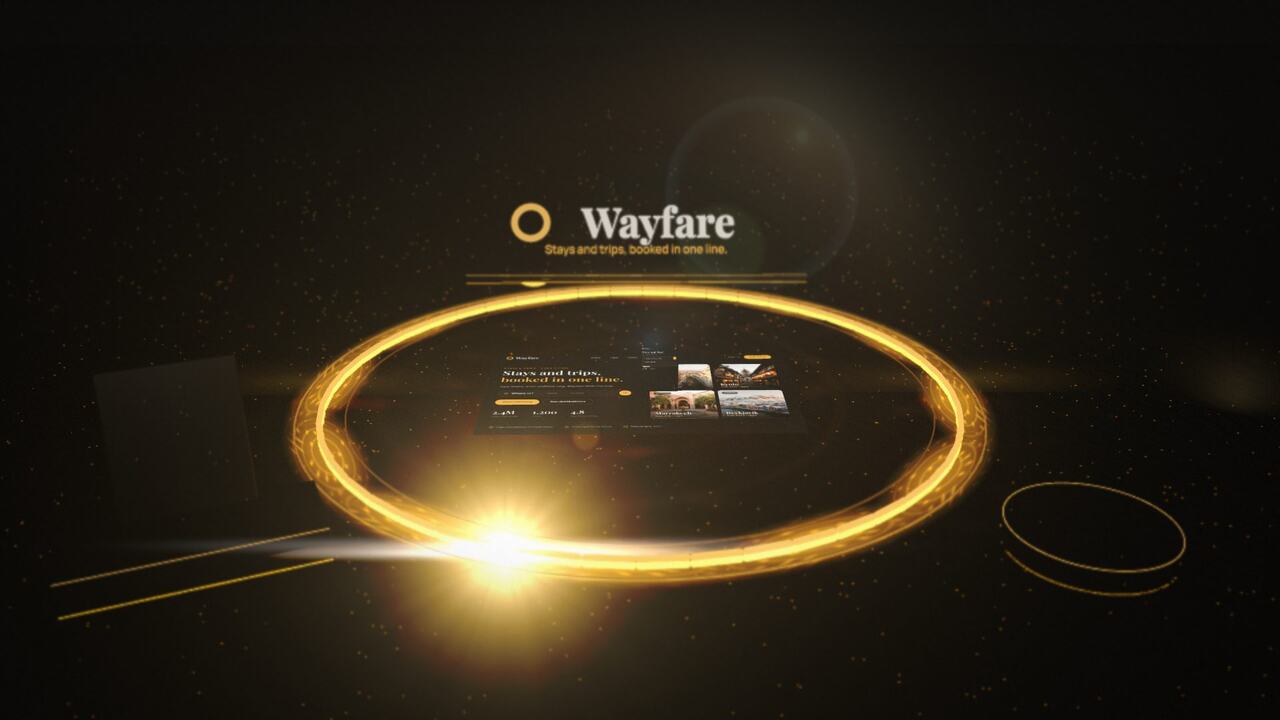 WayfareOpen in the editor
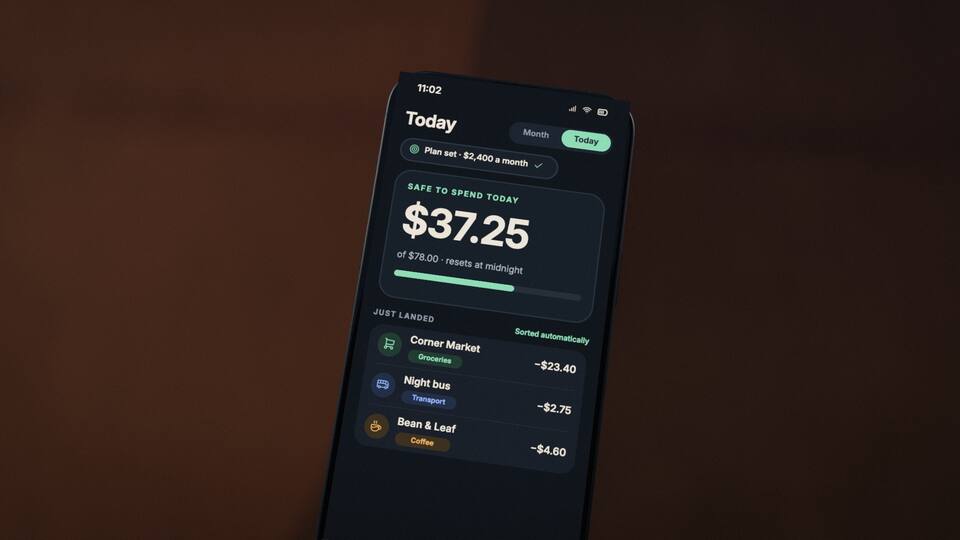 Tally NightOpen in the editor
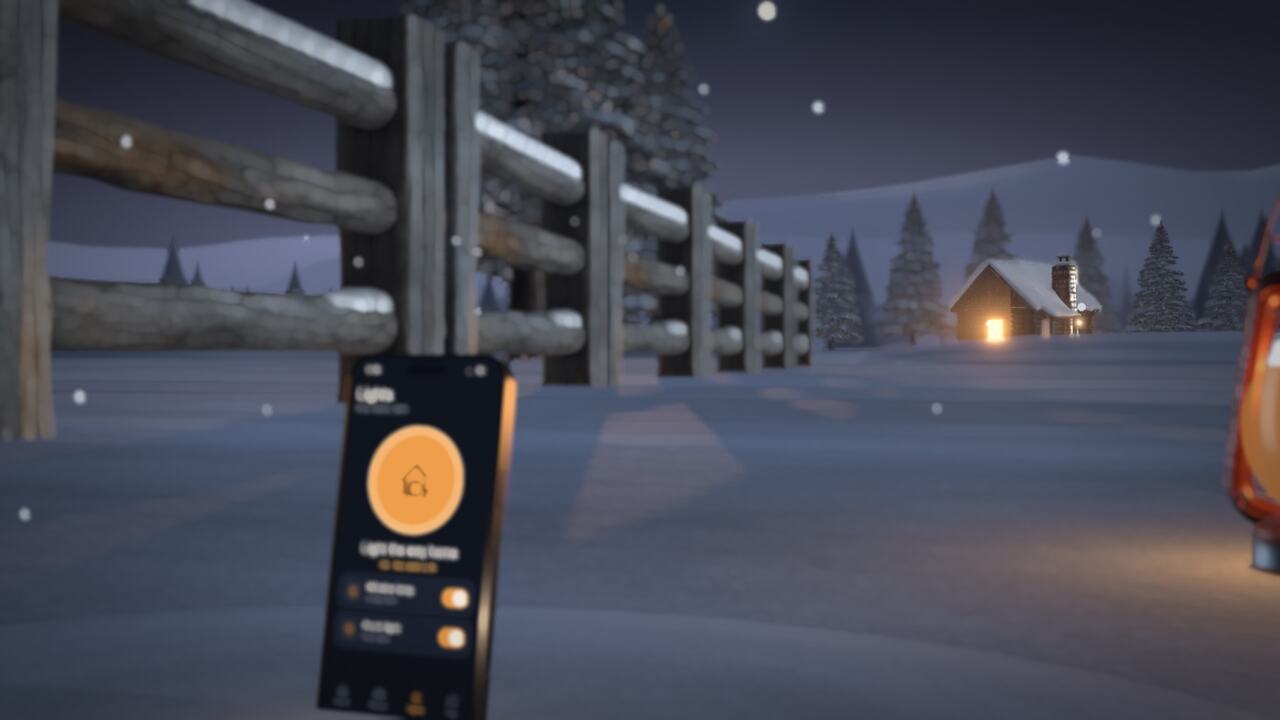 Snow HearthOpen in the editor
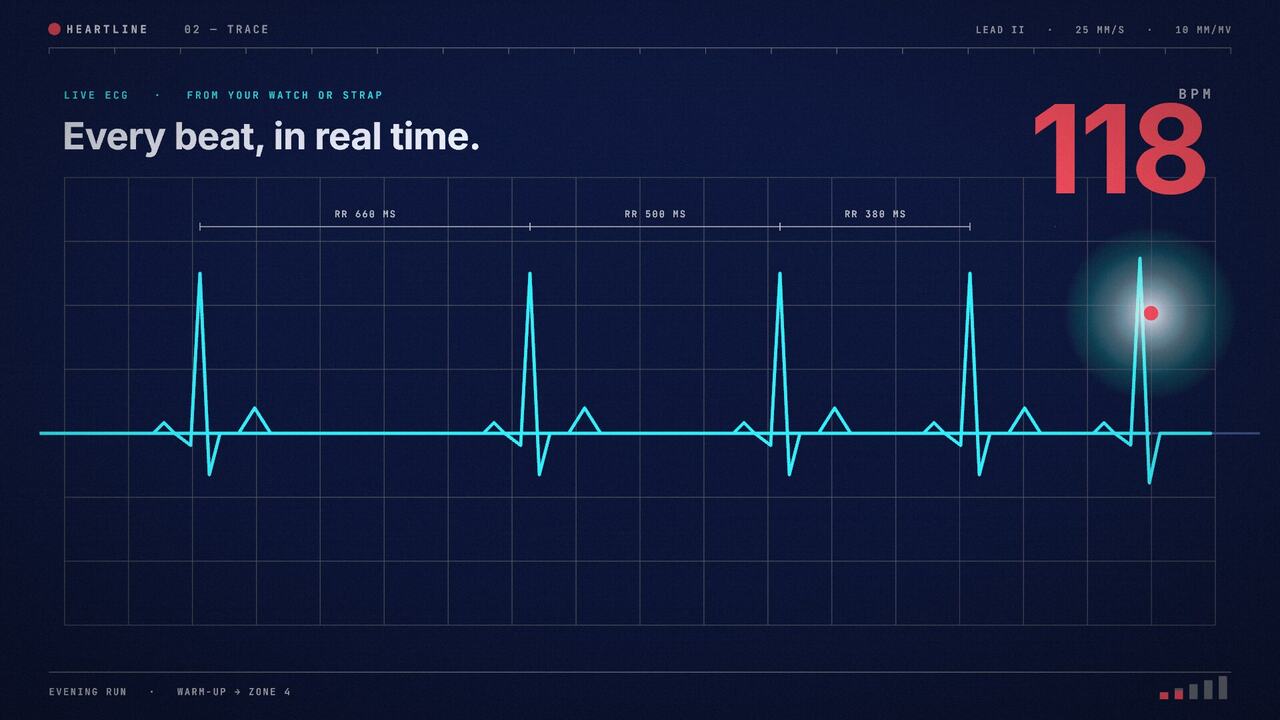 HeartlineOpen in the editor
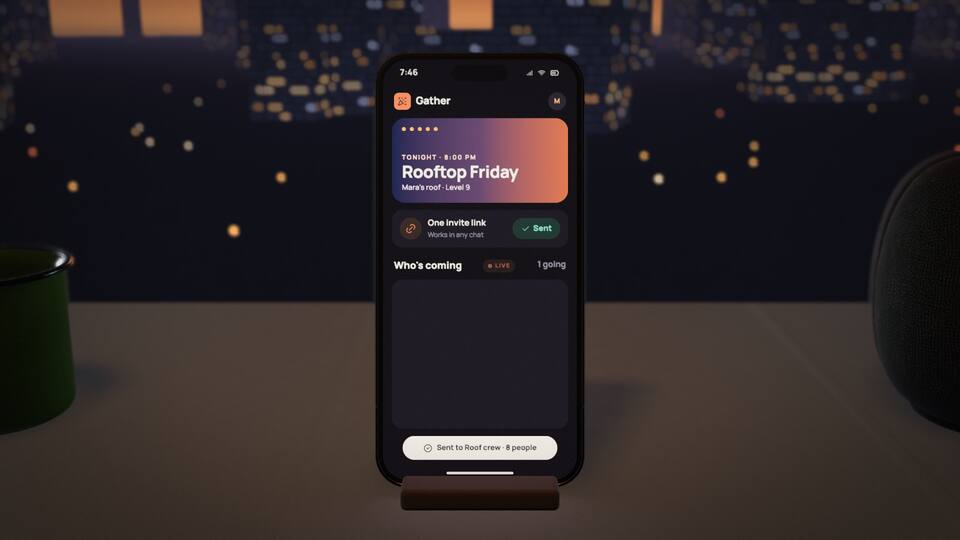
GatherOpen in the editor
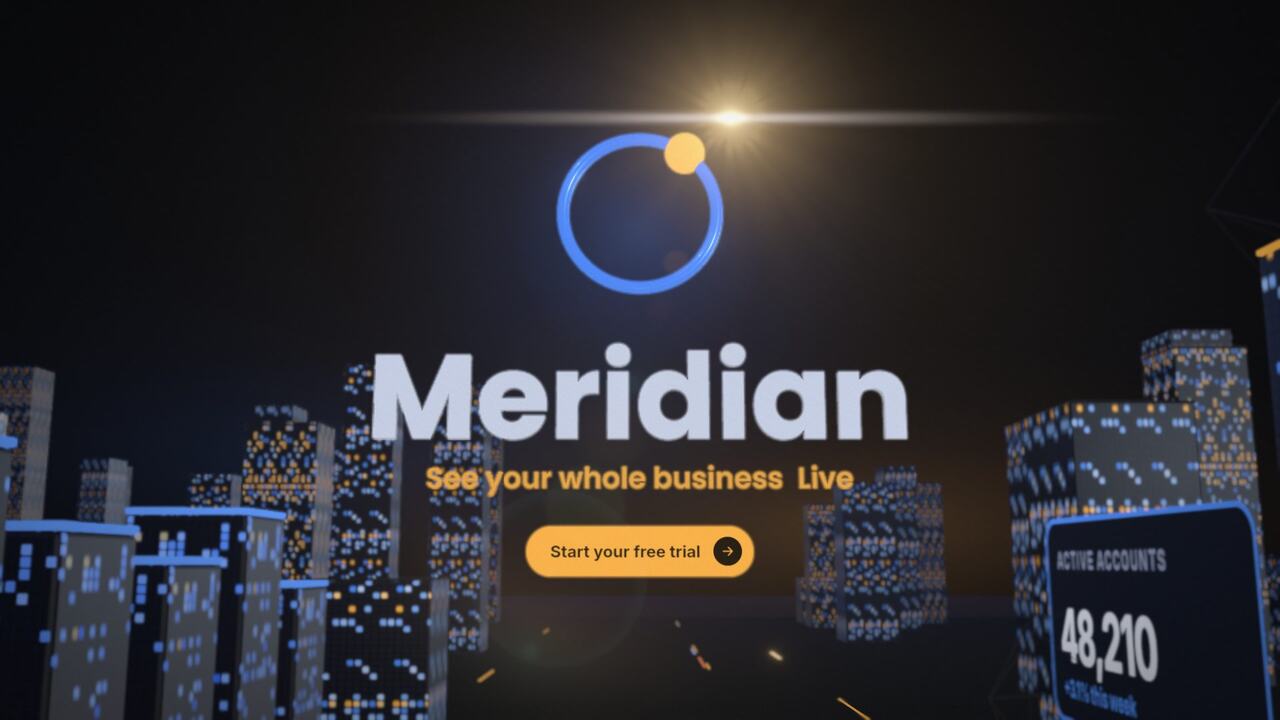 MeridianOpen in the editor
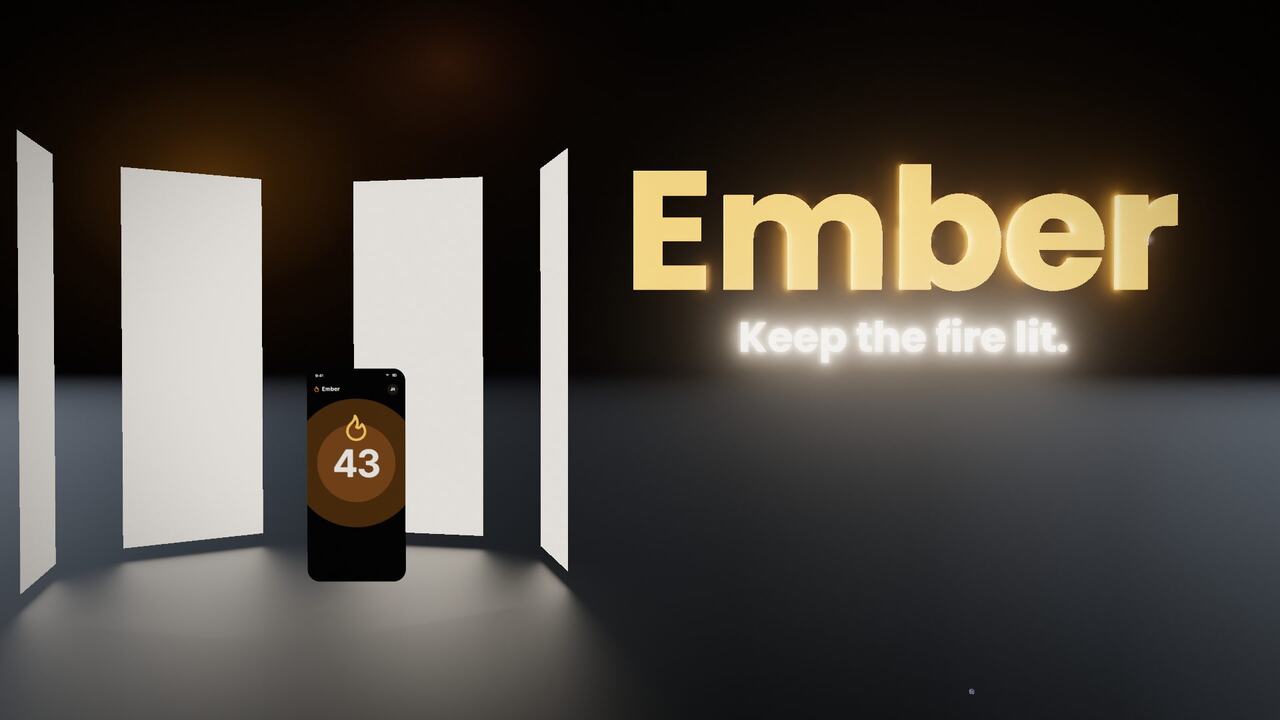 EmberOpen in the editor
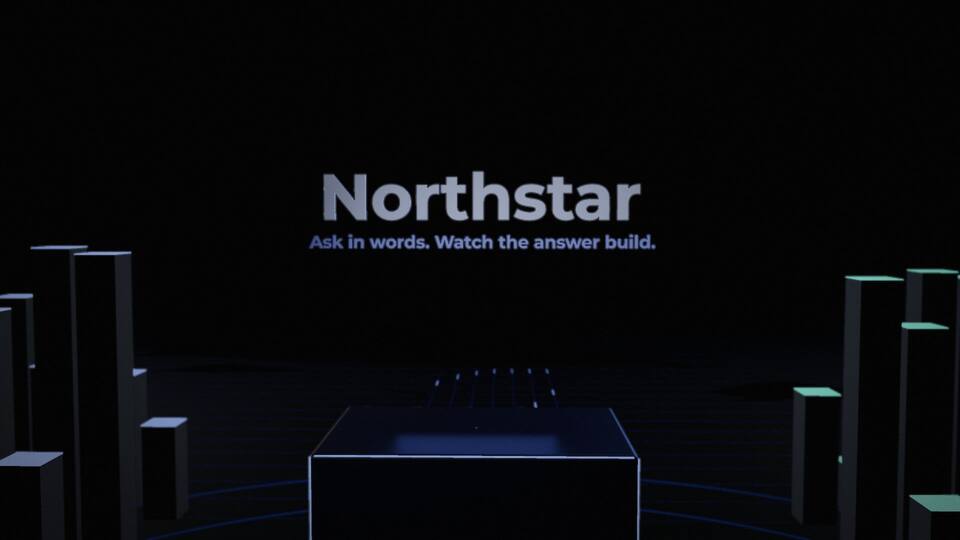
NorthstarOpen in the editor
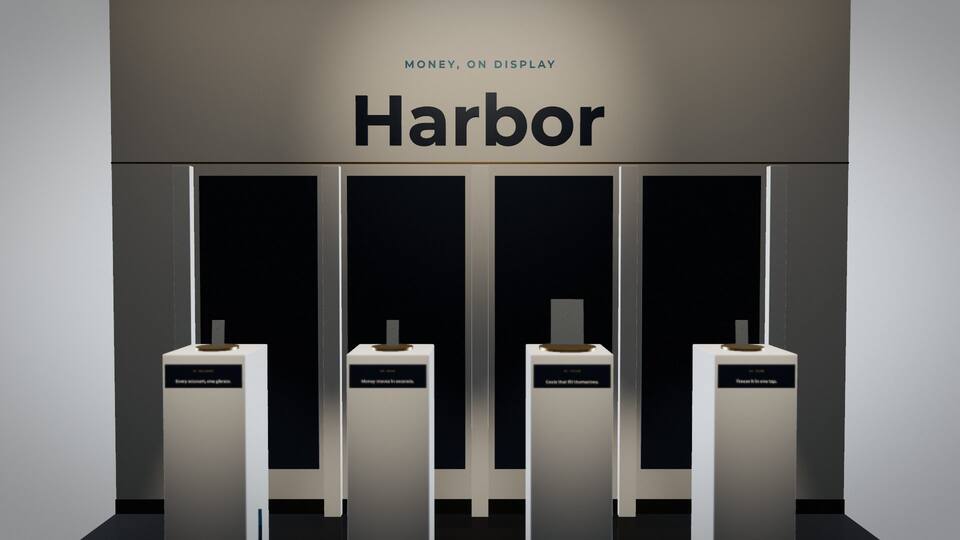 HarborOpen in the editor
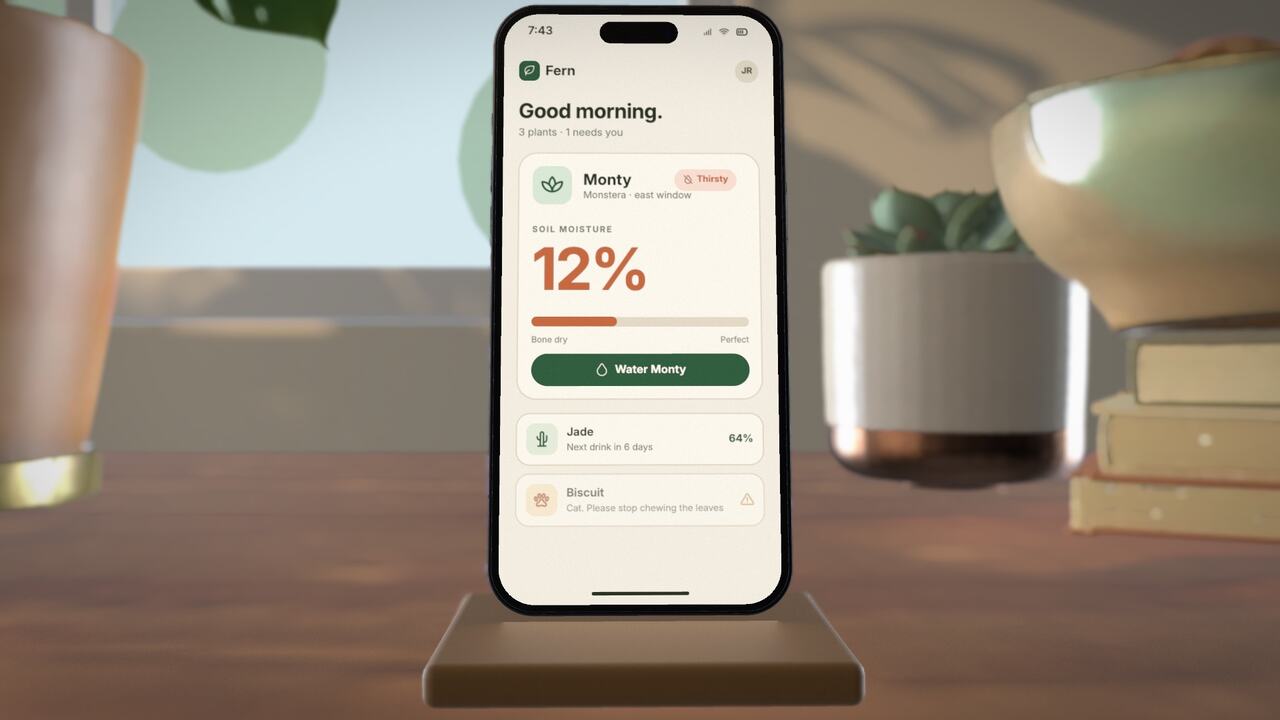 FernOpen in the editor
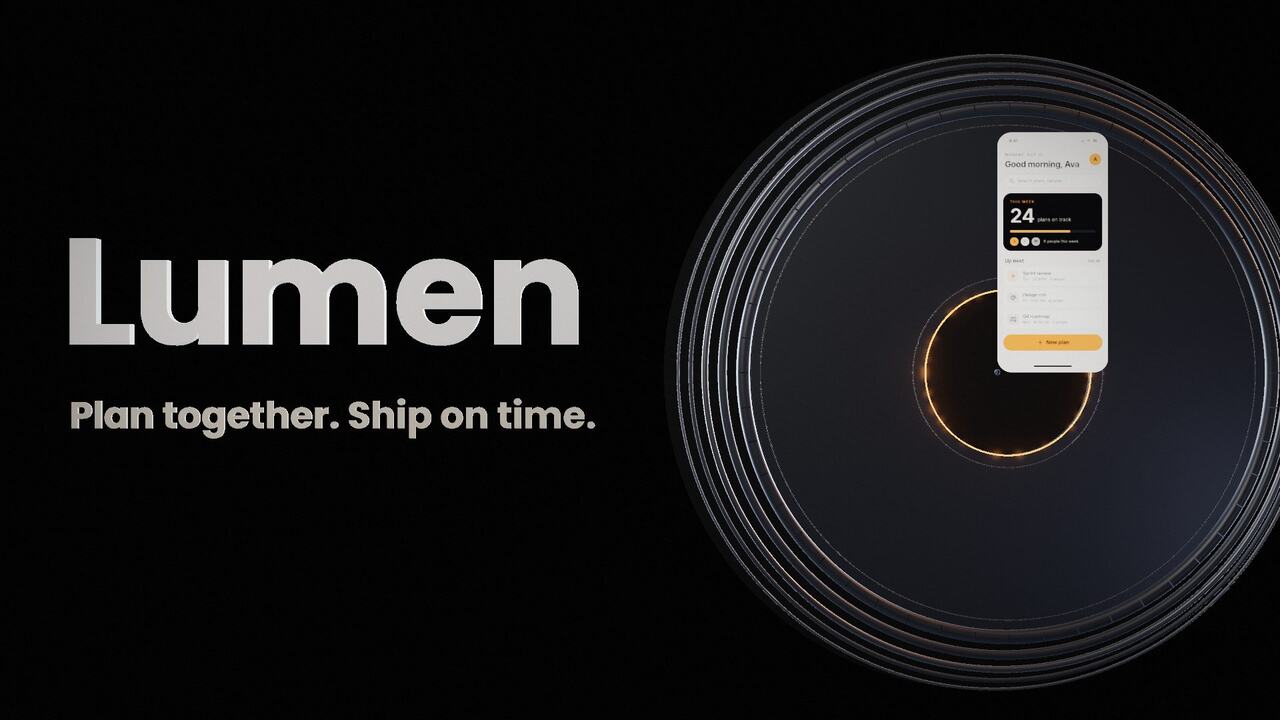 LumenOpen in the editor
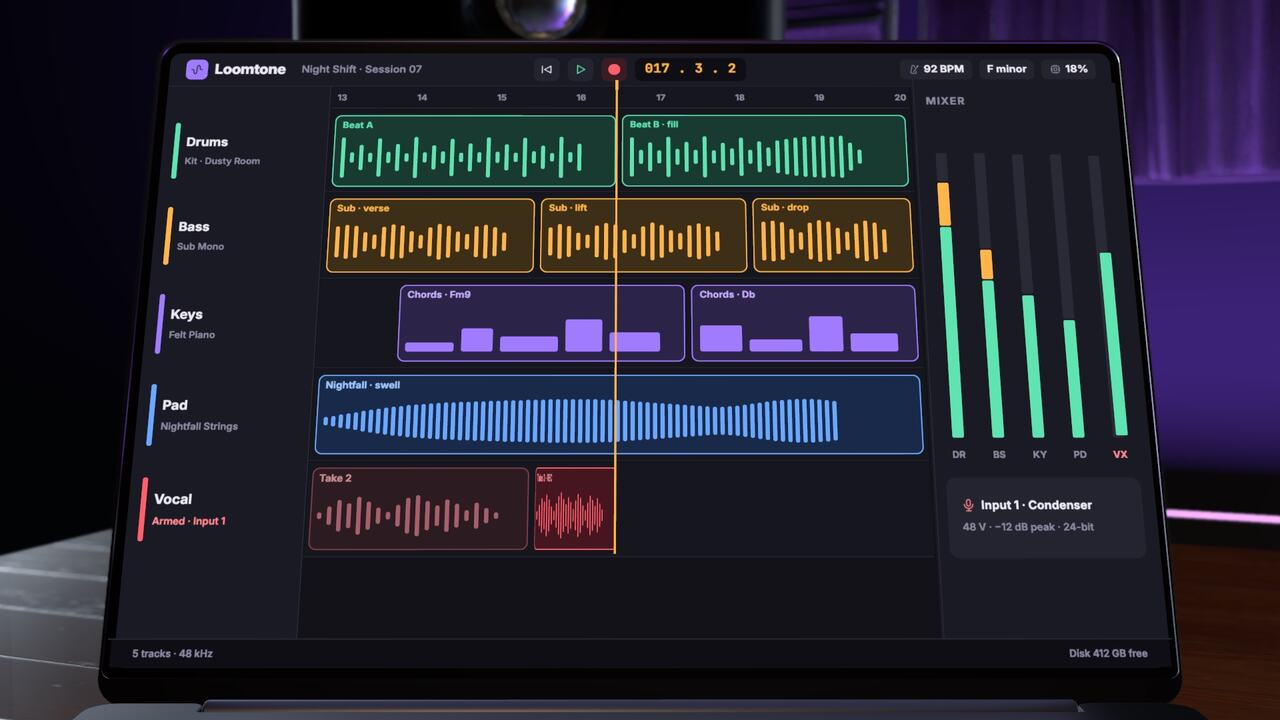 Realism StudioOpen in the editor
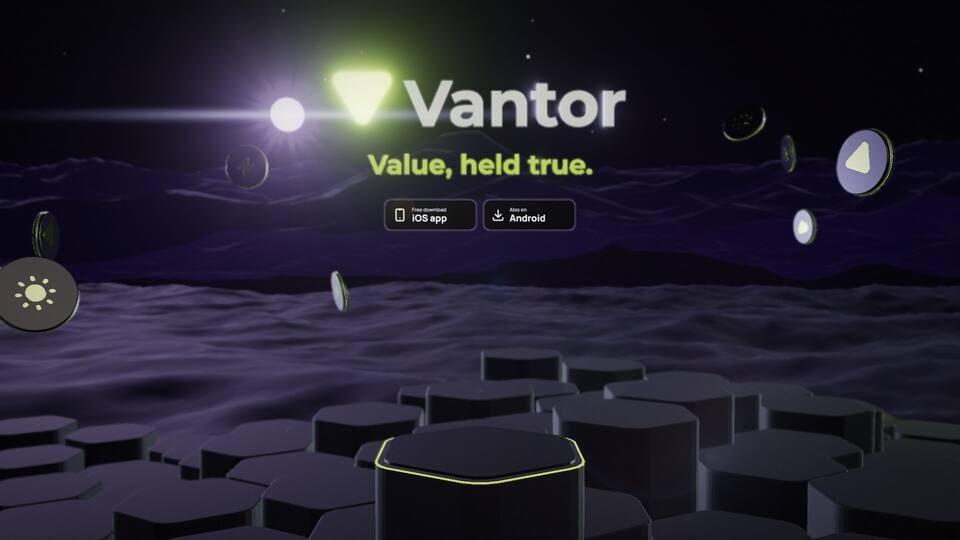 VantorOpen in the editor
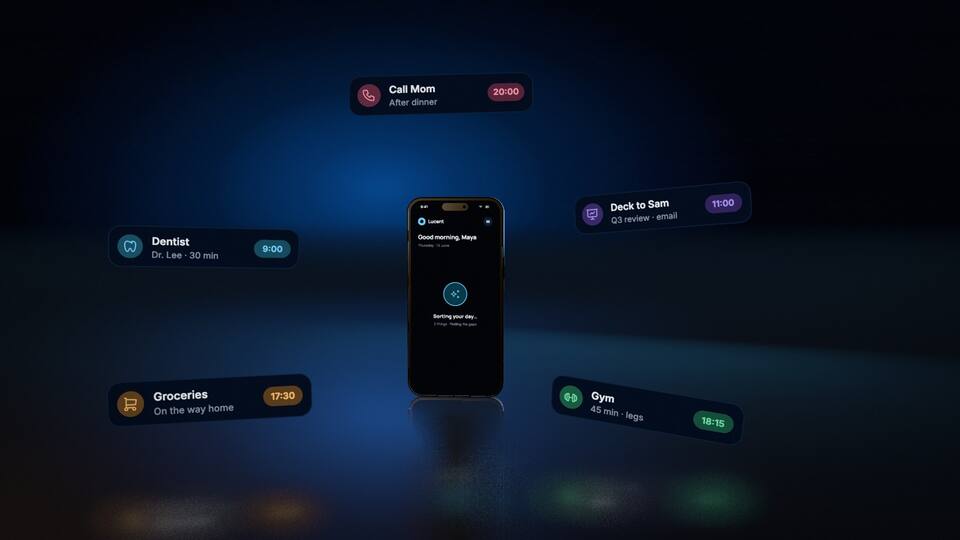 Fog RevealOpen in the editor
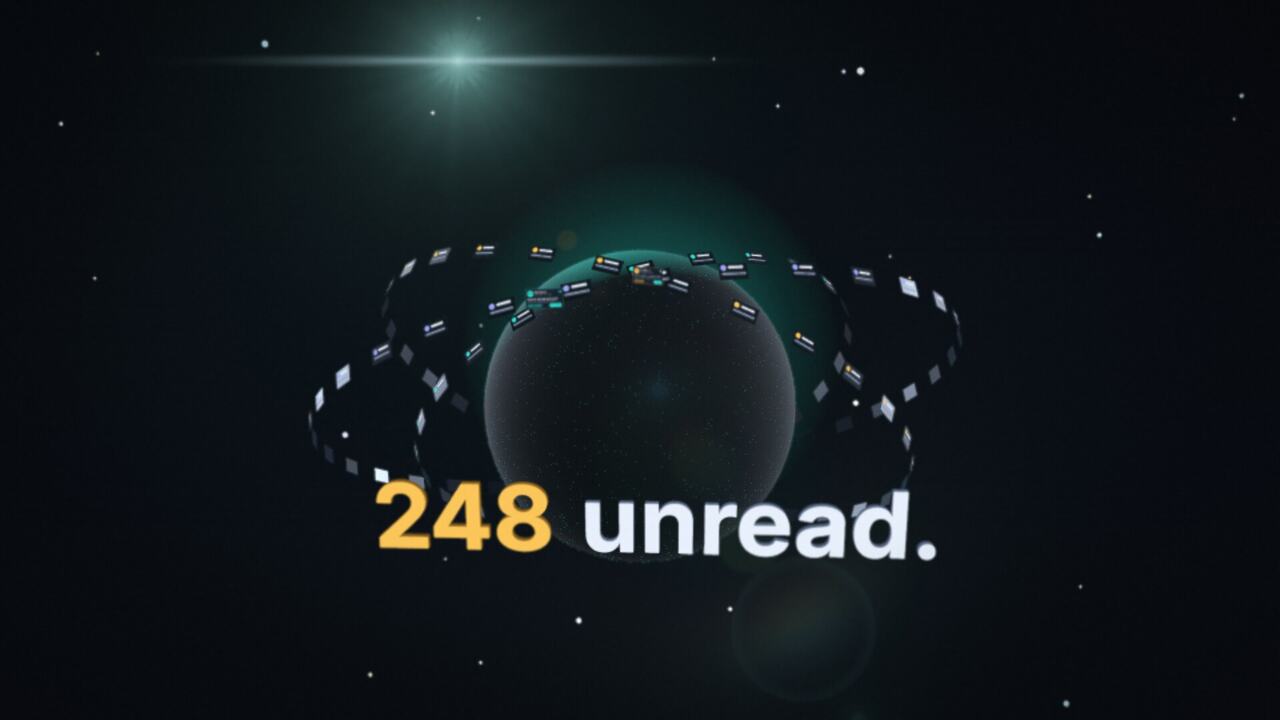 Orbit InboxOpen in the editor
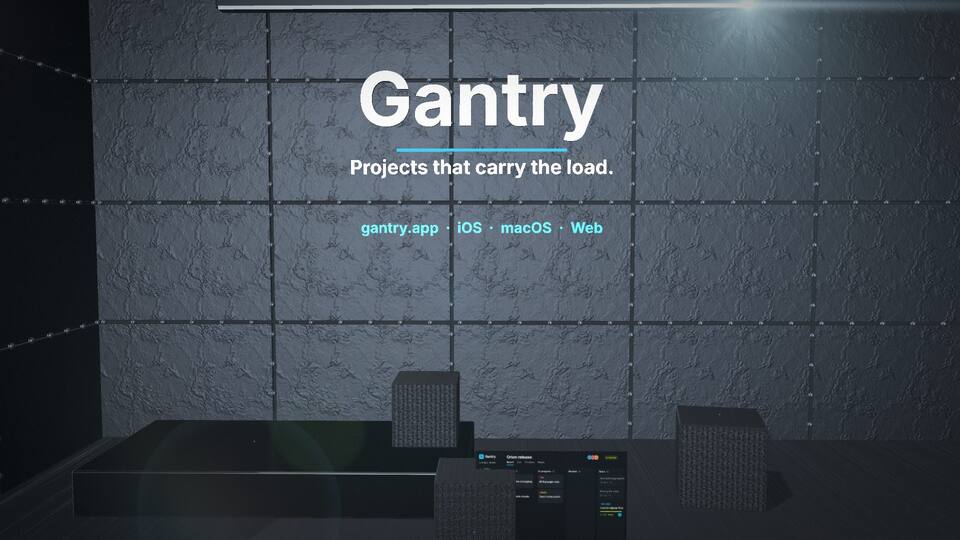 GantryOpen in the editor
What's in a film
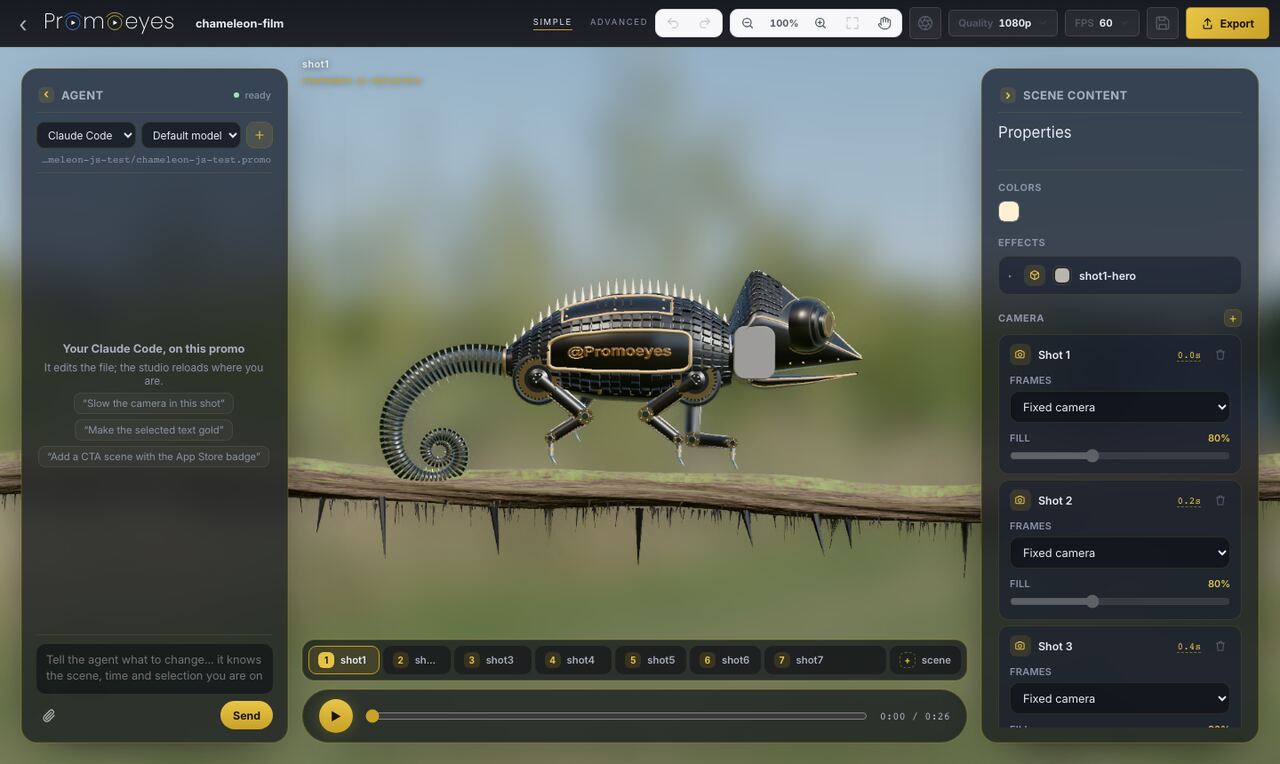
The Agent panel, on the left, drives the coding agent on your machine: Claude Code, and Codex when it's there.
Desktop app
It has Home, the studio and the Agent panel. Your exports go to an Exports folder.
Each is a finished film. You take its structure and make it about your app.

Who it's for
You're shipping and you want something to show on the day.
Tall, to the point, and about the features that matter.
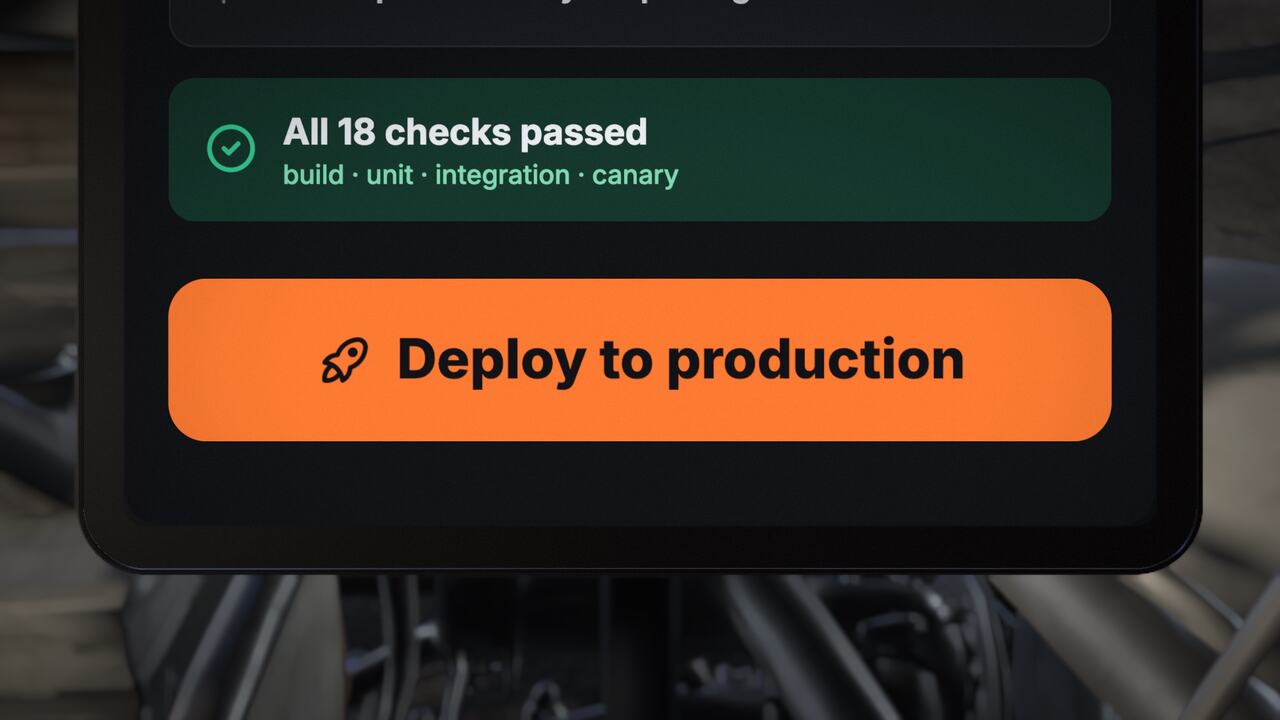
Show what's new in version 2.0, rather than listing it.
Your product on a laptop, with the camera doing the explaining.
Formats
Questions
You can play the film, select things and change them. Those changes stay in memory. Export opens the sign-in window, and keeping your work means signing in and saving a copy.
Yes. The studio changes a promo by hand, and your assistant edits the same promo in words. It's one film, not two versions.
No. On the website, AI edits come from your assistant. In the desktop app, the Agent panel drives the coding agent on your machine.
Claude, ChatGPT, Cursor, Claude Code or any MCP client over HTTP. You sign in with OAuth, and there's no API key.
No. You describe your film first. Sign-in is asked only when you generate.
Your logo, colours and pages. A website or HTML can also become an editable 3D screen in the film.
Render it with the Export button on the player. In the desktop app, exports go to an Exports folder.
16:9 and 9:16. The website form's default length is up to 60 seconds.