ipad
scenesset 286× in templates and rigs
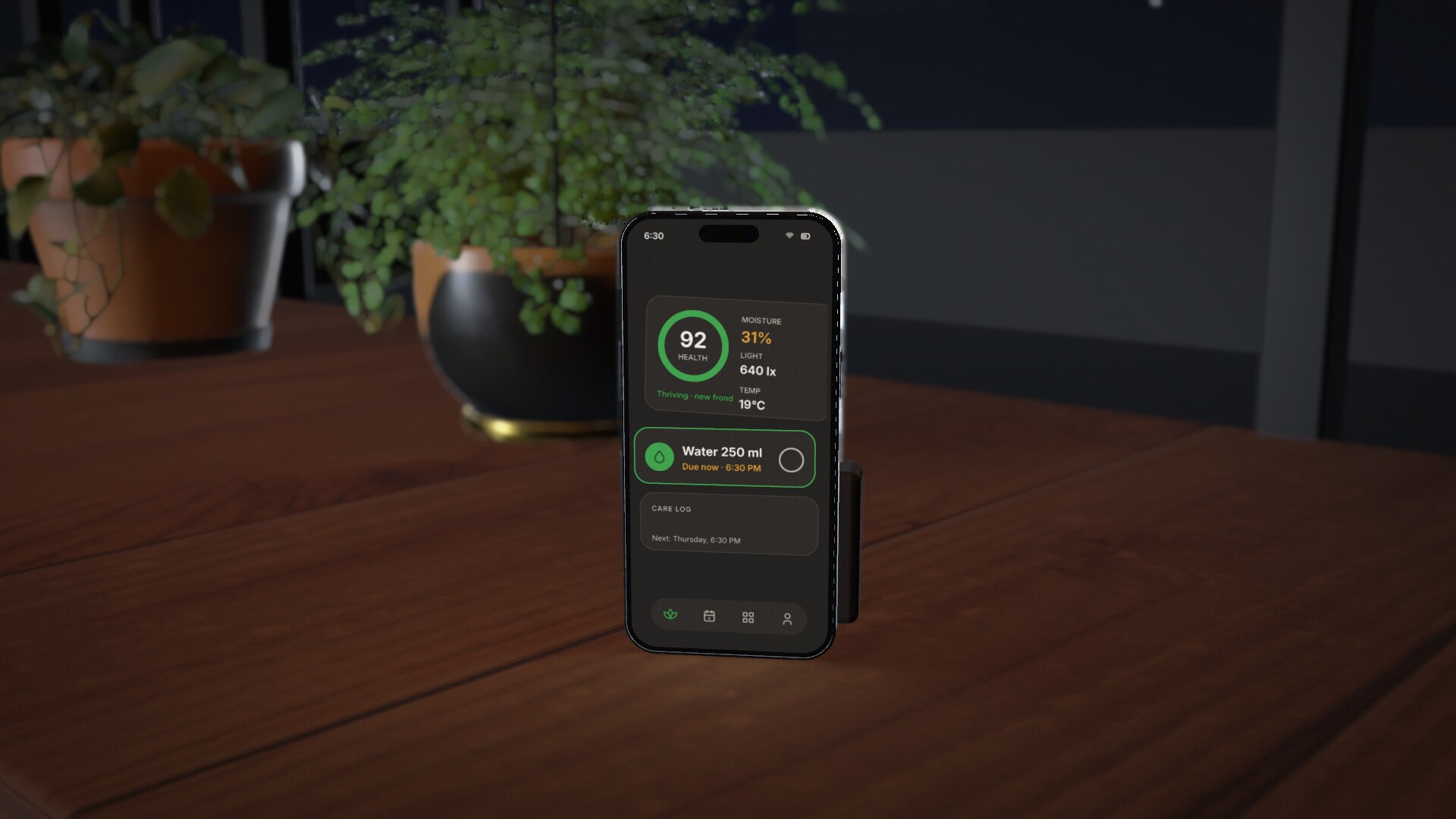
An iPad: a real device model whose screen shows its `ui3d`.
ipad#s03-dev(body-material=shell position="0 0 0" rotation="0 0 0")
Attributes
rotation"x y z"264×position"x y z"254×bodytexte.g. space-blackgraphitesilver131×scalenumber123×matchtexte.g. padm4m1085×body-materialtexte.g. shellporcelainsubject49×heightnumber47×anchortexte.g. bottom40×safe-toptexte.g. off37×morphtexte.g. particlesdissolveextrude31×screen-backingcolour #rrggbb27×body-scopetexte.g. all17×morph-countnumber14×parenttexte.g. rig3pad-righero14×morph-spreadnumber12×morph-colorcolour #rrggbb9×morph-sizenumber7×morph-staggernumber6×screen-emissivenumber5×screen-metalnessnumber5×screen-roughnessnumber5×cast_shadowtrue / false2×morph-atnumber2×morph-durnumber2×morph-totexte.g. card22×screen-bump-scalenumber2×screen-clearcoatnumber2×screen-parallax-layersnumber2×screen-parallax-scalenumber2×screen-reliefnumber2×screen-relief-blurnumber2×screen-relief-inverttrue / false2×morph-seednumber1×look_attextTurns the node every frame so its face (+z; a device's screen, a laptop's front) points at a target: a point `x y z` (mm, world), `#node-id` (that node, live) or `camera` (the lens, live). Its `rotation` and rotation keys are an offset on top of the aim.0×uptextWith `look_at`: the world direction kept as the node's up, `x y z` (default `0 1 0`).0×Where it goes
Examples
ipad#s03-devin abstract/rollingOpen and play →ipad#s03-dev(body-material=shell position="0 0 0" rotation="0 0 0")
ui(width=197 height=262)
card(x=0 y=0 w=197 h=262 r=0 fill=#0b0b0d shadow=false)
text(text="ROLLING" x=16 y=24 size=6 weight=600 color=#7c7970 align=left)
text(text="03 / 16" x=181 y=24 size=6 weight=600 color=#b08cff align=right)
text(text="03" x=16 y=96 size=48 weight=600 color=#e9e6df align=left)
text(text="PILASTERS" x=16 y=118 size=8 weight=600 color=#7c7970 align=left)
card(x=16 y=130 w=165 h=1.2 r=0 fill=#b08cff shadow=false)
text(text="roll -120 · concrete, slots, a plinth" x=16 y=148 size=6 color=#7c7970 align=left)
text(text="3.6 m -> 680 mm" x=16 y=162 size=6 color=#7c7970 align=left)
ipad#s06-t0in abstract/rollingOpen and play →ipad#s06-t0(body-material=shell position="-300 30 3200" rotation="10 30 -20")
position
0 0 0 0
4.5 linear -338 -14 0
6 easeOutQuad -394 -16 0
ui(width=197 height=262)
card(x=0 y=0 w=197 h=262 r=0 fill=#0b0b0d shadow=false)
text(text="Canvas" x=14 y=24 size=9 weight=700 color=#e9e6df align=left)
text(text="sketch together, live" x=14 y=36 size=5 color=#b08cff align=left)
card(x=14 y=48 w=169 h=60 r=6 fill=#171226 shadow=false)
card(x=14 y=116 w=80 h=70 r=6 fill=#171226 shadow=false)
card(x=103 y=116 w=80 h=70 r=6 fill=#171226 shadow=false)
ipad#s06-t1in abstract/rollingOpen and play →ipad#s06-t1(body-material=shell position="200 -45 2300" rotation="-14 -32 18")
position
0 0 0 0
4.5 linear 338 14 0
6 easeOutQuad 394 16 0
ui(width=197 height=262)
card(x=0 y=0 w=197 h=262 r=0 fill=#0b0b0d shadow=false)
text(text="Frames" x=14 y=24 size=9 weight=700 color=#e9e6df align=left)
text(text="12 ready to ship" x=14 y=36 size=5 color=#b08cff align=left)
card(x=14 y=48 w=169 h=60 r=6 fill=#171226 shadow=false)
card(x=14 y=116 w=80 h=70 r=6 fill=#171226 shadow=false)
card(x=103 y=116 w=80 h=70 r=6 fill=#171226 shadow=false)
Used in
Templates that write ipad; each opens at its first use.