ui3d
morphsset 2797× in templates and rigs
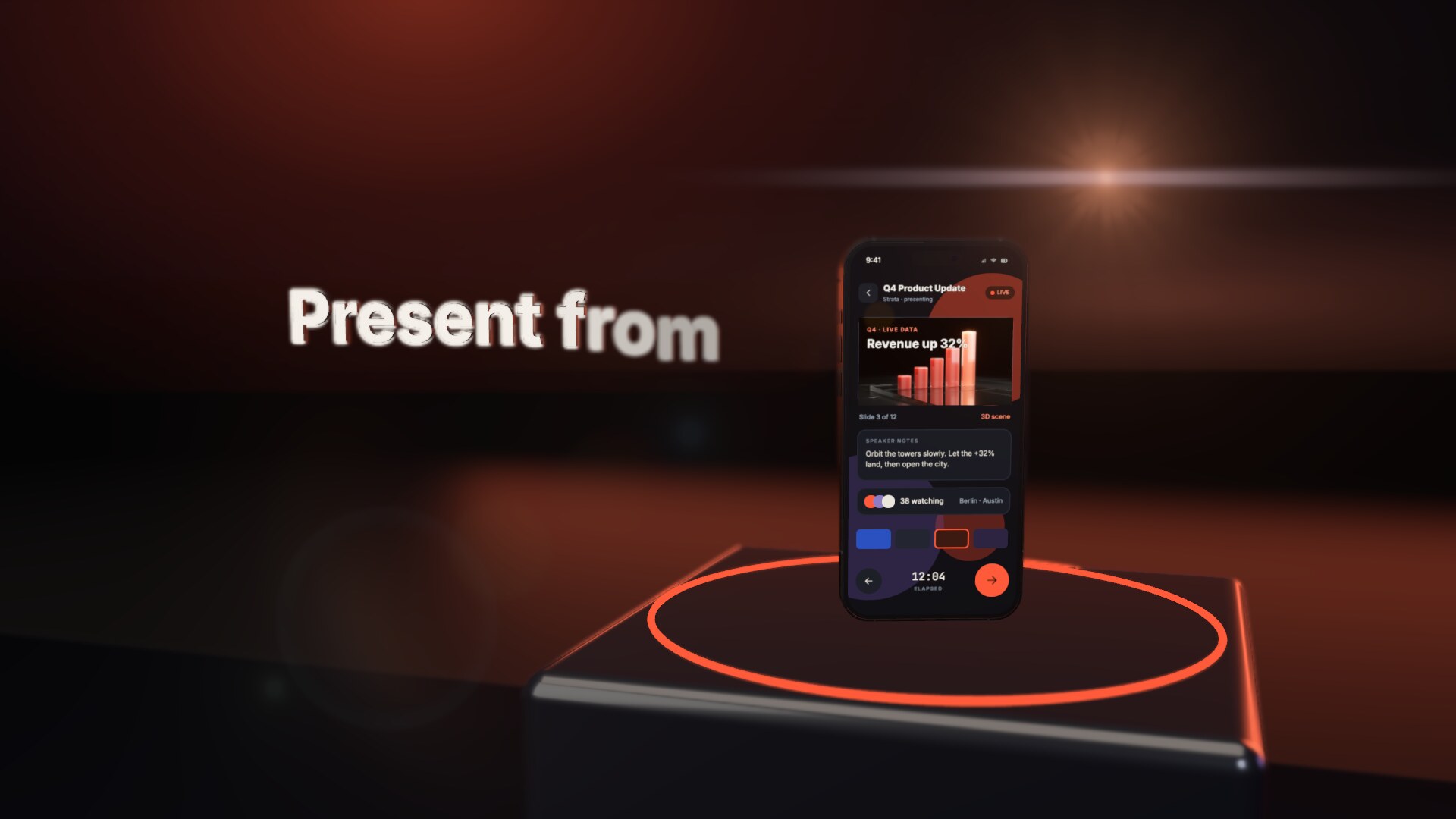
A UI stage in the 3D world: the cards, text and icons of a device's screen (`overlay=screen`) or of a free-standing panel, laid out in the stage's own units.
ui3d#s05-u0(width=1000 height=600 world_width=320 position="-310 -75 3600" rotation="0 -30 0")
Attributes
heightnumber2691×widthnumber2691×overlaytexte.g. screencover1524×liftnumber1295×position"x y z"898×world_widthnumber737×render_ordernumbertext720×rotation"x y z"619×world_heightnumber337×glass_cliptexte.g. off288×matchtexte.g. m1m2m6207×morphtexte.g. liquid3dinflateparticles191×stage_heightnumber98×stage_widthnumber98×parenttexte.g. page-rigs15-outers14-ferris93×morph-atnumber69×morph-durnumber69×morph-totexte.g. phonecardparticles-phone69×morph-countnumber51×morph-spreadnumber42×layouttexte.g. columnrow41×morph-colorcolour #rrggbb31×morph-sizenumber28×glass_releasenumber18×morph-staggernumber18×paddingnumberfour numbers16×gapnumber12×aligntexte.g. centerstart11×morph-seednumber8×staggernumber8×stagger_durationnumber8×stagger_startnumber8×map_center"x y"6×map_rotationnumber6×morph-blendtexte.g. normal4×morph-materialtexte.g. bubblechromegold4×scalenumber3×coords_widthnumber2×morph-gravitynumber2×morph-popnumber2×morph-shapetexte.g. toruscube2×morph-embersnumber1×look_attextA free-standing panel: turns it every frame so its face (+z) points at a target — a point `x y z` (mm, world), `#node-id` (live) or `camera` (live); its `rotation` is an offset on top. A device's screen turns with the device: put look_at there.0×uptextWith `look_at`: the world direction kept as the node's up, `x y z` (default `0 1 0`).0×Where it goes
Written under
Examples
ui3d#s05-u0in abstract/rollingOpen and play →ui3d#s05-u0(width=1000 height=600 world_width=320 position="-310 -75 3600" rotation="0 -30 0")
position
0 0 0 0
4.5 linear -338 -14 0
6 easeOutQuad -394 -16 0
card(x=0 y=0 w=1000 h=600 r=48 fill=#0e1116 shadow=false)
text(text="Design review" x=60 y=112 size=64 weight=700 color=#e9e6df align=left)
text(text="10:30 · with Maya" x=60 y=186 size=36 weight=500 color=#7ad7ff align=left)
card(x=60 y=250 w=880 h=290 r=24 fill=#10202c shadow=false)
ui3d#s05-u1in abstract/rollingOpen and play →ui3d#s05-u1(width=1000 height=600 world_width=320 position="199 80 2500" rotation="0 35 0")
position
0 0 0 0
4.5 linear 338 14 0
6 easeOutQuad 394 16 0
card(x=0 y=0 w=1000 h=600 r=48 fill=#0e1116 shadow=false)
text(text="Ship checklist" x=60 y=112 size=64 weight=700 color=#e9e6df align=left)
text(text="6 of 9 done" x=60 y=186 size=36 weight=500 color=#7ad7ff align=left)
card(x=60 y=250 w=880 h=290 r=24 fill=#10202c shadow=false)
ui3d#s05-u2in abstract/rollingOpen and play →ui3d#s05-u2(width=1000 height=600 world_width=320 position="-88 85 1400" rotation="0 -25 0")
position
0 0 0 0
4.5 linear -338 -14 0
6 easeOutQuad -394 -16 0
card(x=0 y=0 w=1000 h=600 r=48 fill=#0e1116 shadow=false)
text(text="Launch week" x=60 y=112 size=64 weight=700 color=#e9e6df align=left)
text(text="everything, one desk" x=60 y=186 size=36 weight=500 color=#7ad7ff align=left)
card(x=60 y=250 w=880 h=290 r=24 fill=#10202c shadow=false)
Used in
Templates that write ui3d; each opens at its first use.